You don’t need to spend tens of thousands of dollars knocking down walls or hiring specialized contractors to get a true cinema experience at home.
Whether you have a dedicated media room or you’re transforming a section of an open-plan living area, building a blockbuster-worthy home theatre comes down to four smart choices: screen placement, ambient lighting, audio positioning, and most importantly, high-performance seating.
Here is how to design a cinema-grade setup that handles sports marathons, gaming nights, and movie releases with total ease.
TL;DR: The Quick Setup Guide
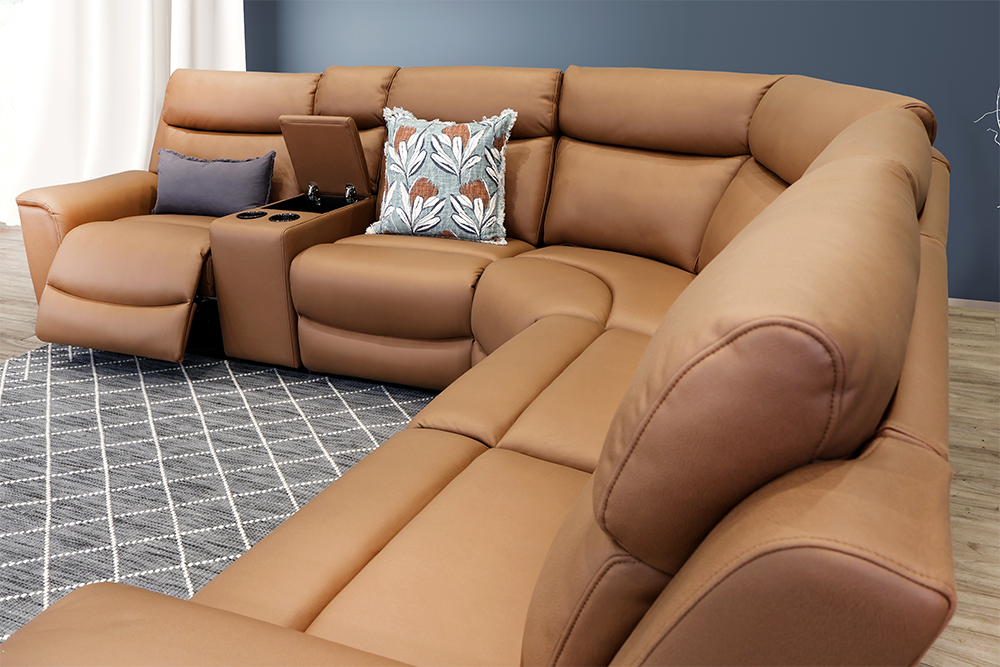
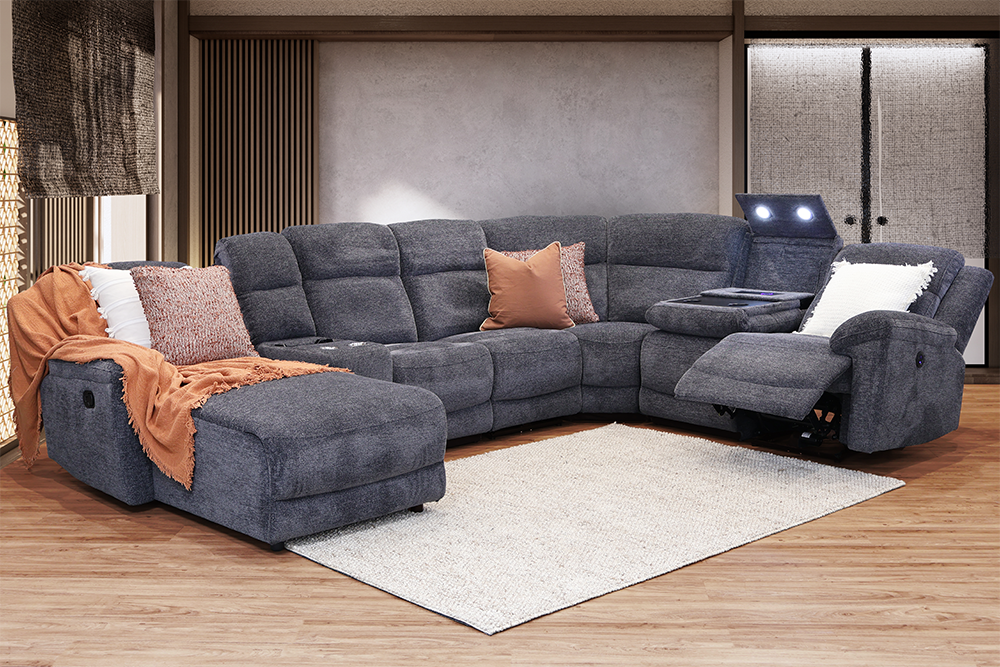
Seating: Skip basic rigid couches. Go for modular motion seating like the Daytona 5-Seater Power Modular or the Albion Modular with built-in recliners, drop-down consoles, and integrated cup holders.
Layout & Distance: Position your seating roughly 1.5 to 2 times the diagonal width of your TV screen away from the display for optimal viewing without eye strain.
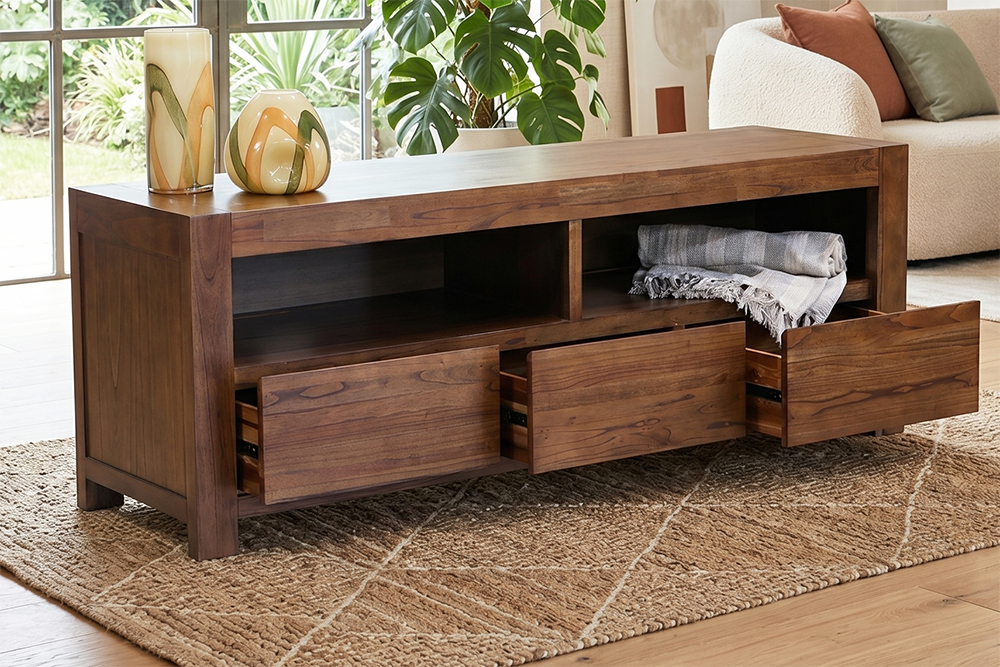
Ambiance: Use dark-toned timber entertainment units (like our Barossa or Bermuda ranges) to cut down screen glare, paired with blackout curtains and soft side lighting.
1. Upgrade to Motion Seating Built for Movie Marathons
A screen is only as good as the seat you’re watching it from. Standard living room sofas work fine for short catch-ups, but two hours into a movie, poor lumbar support and rigid backrests start to show.
True cinema seating lets every viewer adjust their position independently.
- Power Recliners vs. Manual: Power recliners allow you to fine-tune your angle down to the millimetre. With options like the Daytona Power Recliner, a quick tap of a button adjusts your leg rest and backrest so you can kick back without fighting a mechanical lever.
- Consoles and Cup Holders: Getting up mid-scene ruins the immersion. Motion lounges equipped with lift-up storage consoles and built-in cup holders (like the Albion Modular) keep drinks, remotes, and controllers right where you need them.
- Modular Configurations: If you have a large family or host footy nights, L-shaped or U-shaped modular recliners maximize floor space while ensuring nobody gets stuck in a cramped middle seat.
2. Calculate the Perfect Viewing Distance and Angle
Placing your sofa too close to the screen causes neck strain, while placing it too far away makes subtle cinematic details hard to spot.
A simple rule of thumb for 4K TVs is to measure the screen diagonally and multiply that number by 1.2 to 1.5.
- 65-inch TV: Ideal seating distance is between 2.0m and 2.5m.
- 75-inch TV: Ideal seating distance is between 2.3m and 2.8m.
- 85-inch TV or Projector: Ideal seating distance is between 2.6m and 3.2m.
Eye level matters just as much as distance. When sitting fully upright in your recliner, your eye line should naturally rest squarely on the centre third of the screen.
3. Choose the Right Low-Reflective Entertainment Unit
Your TV unit does more than hold a screen and hide messy power cables; it plays a big role in managing glare. High-gloss white furniture reflects ambient light and TV brightness straight back into your eyes during dark scenes.
Choosing a solid timber or dark matte entertainment unit—such as the Barossa or Bermuda Large TV Unit—anchors the space while absorbing stray light. Deep cabinets also provide crucial ventilation for gaming consoles, sound bars, and streaming devices, keeping hardware cool and running smoothly.
4. Master Room Acoustics and Soft Furnishings
Hard surfaces like tiled floors, bare plasterboard walls, and glass sliding doors create echo, causing movie dialogue to sound muddy and washed out.
You don’t need expensive wall acoustic foam to fix sound bounce. Plush upholstery, heavy fabric rugs, and upholstered recliners naturally absorb sound reflections. Adding a thick pile rug between your lounge and the TV unit grounds the soundstage, ensuring whisper-quiet dialogue stays crisp while action sound effects hit cleanly.
Frequently Asked Questions
What is the best lounge layout for an open-plan home theatre?
In open-plan living rooms, a modular recliner with a finished back profile helps define the media area without blocking room traffic. Setting up an L-shaped corner modular creates a natural room divider while keeping sightlines clear to the TV screen.
Are fabric or leather-style lounges better for media rooms?
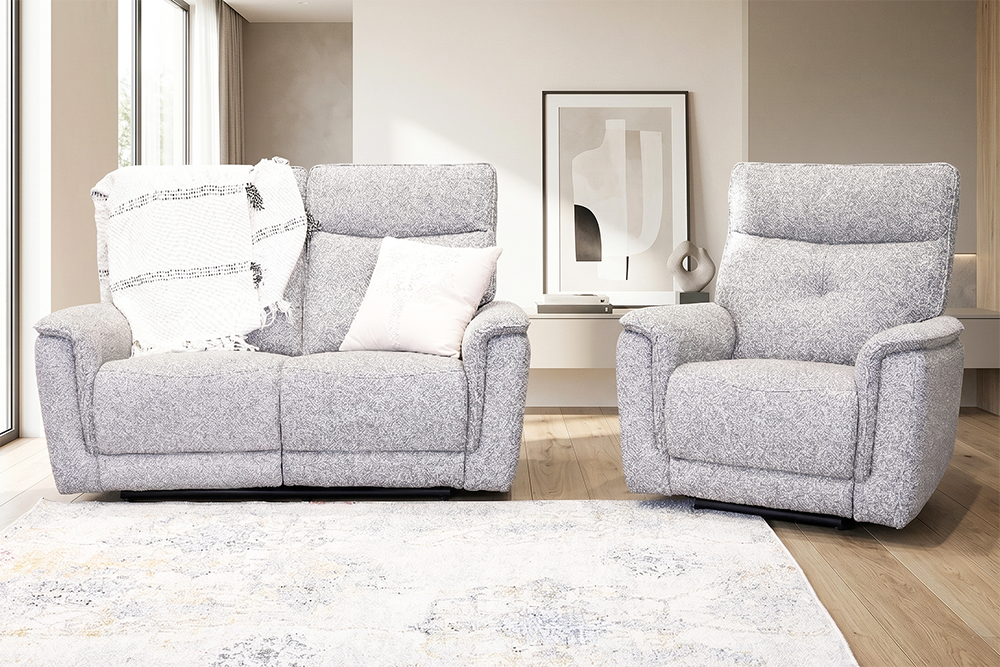
Fabric and soft, breathable synthetic finishes offer better acoustic absorption than smooth leather, which can slightly bounce high-frequency sound waves. Easy-clean, soft-touch fabrics (like those featured on the Daytona range) provide maximum warmth and sound control for dark rooms.
How do built-in USB ports in power lounges work?
Power recliners plug directly into a standard wall outlet. Built-in USB charging ports built into the armrests or storage consoles draw power directly from the main transformer, keeping phones, tablets, and gaming controllers topped up while you lounge.
Build Your Home Cinema with ComfortStyle
Creating a cinema-quality living space doesn’t require a full renovation. By upgrading your room with responsive power recliners, smart media storage, and the right seating layout, you can turn any room into the best seat in the house.
Want to try out power recliners for yourself? Visit your local ComfortStyle showroom across Perth and regional WA to test out our modular lounge range, or shop our living room collection online today.